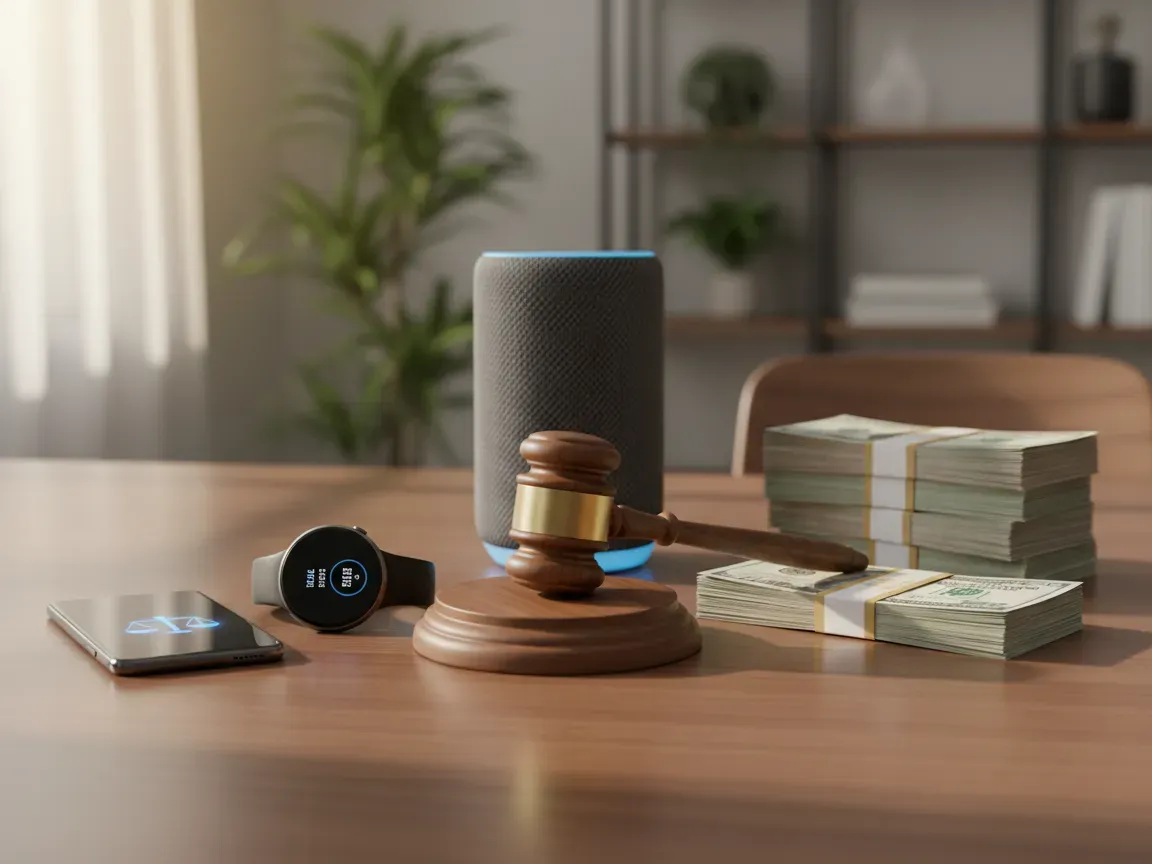
If you owned an iPhone, iPad, Apple Watch, or HomePod over the past several years, you might be eligible for a cash payout from Apple. A major class-action lawsuit alleging that Siri recorded private conversations without user consent has resulted in a proposed $250 million settlement fund.
Eligible consumers can now submit a claim online to receive a share of the proceeds. Here is everything you need to know about the case, qualifying hardware, required documents, and how to file before the window closes.
What Is the Apple Siri Class-Action Settlement?
The litigation began after investigative reports revealed that Apple contractors routinely listened to accidental Siri activations. These audio snippets often captured sensitive medical discussions, private business dealings, and intimate personal encounters.
Plaintiffs claimed that Apple violated federal and state privacy statutes, including California wiretapping laws, by recording interactions where users never uttered the wake phrase. Apple denied any wrongdoing and maintained that voice snippets were used strictly to improve Siri voice recognition quality.
Despite contesting the allegations, Apple agreed to establish a $250 million non-reversionary settlement fund. This agreement avoids prolonged litigation and provides direct financial compensation to affected device owners while resolving all related privacy claims.
Which Apple Devices Qualify for the Payout?
To be eligible for a portion of the settlement, you must have owned or used an enabled Apple device running Siri during the class period specified in the court filings. The settlement covers an extensive lineup of hardware.
- iPhone models ranging from iPhone 6s through newer generations
- iPad models, including iPad Air, iPad mini, and iPad Pro with Siri capabilities
- Apple Watch models featuring voice assistant functionality
- HomePod and HomePod mini smart speakers
- iPod touch devices that support Siri
The core requirement centers on ownership during the eligible timeframe and having Siri enabled on that hardware. If you owned multiple qualifying devices tied to your Apple ID, you may be able to file claims for each registered unit, subject to the administrator limits.
How to Submit Your Claim Step by Step?
Filing a claim does not require hiring a lawyer or appearing in court. The entire process takes just a few minutes through the official settlement portal.
- Locate the official settlement website managed by the court-appointed claims administrator. Avoid third-party aggregators that ask for processing fees.
- Enter your Notice ID and Confirmation Code if you received a direct email or postcard notification from the administrator.
- If you did not receive a pre-filled notice, select the option to file without an ID and manually fill out your personal contact details.
- Provide the serial numbers, hardware models, or original purchase details associated with your qualifying devices.
- Confirm your electronic signature under penalty of perjury, certifying that you owned the devices and experienced unintended Siri activations.
- Keep the generated claim confirmation number in your records for tracking.
Key Deadlines and Required Documentation You Need
Class-action settlements operate under strict court calendars, and missing the deadline forfeits your right to compensation. All claim forms must be submitted online or postmarked by the specified cutoff date outlined in the settlement notice.
You should prepare your information beforehand to ensure your submission is valid. If you received an official email notice, that message contains unique identifiers that streamline verification.
If you must prove ownership manually, check your Apple ID account page online. Under the devices section, you can locate the exact hardware models and serial numbers tied to your purchase history. Receipts, carrier contracts, and original box labels also serve as valid backup documentation if the administrator requests additional proof.
Expected Payout Amounts and Payment Options
The final payment amount each individual receives depends directly on the total number of approved claims submitted nationwide. Because the settlement fund is capped at $250 million, court administrative costs, legal fees, and service awards are deducted before distributing the remainder pro rata among eligible claimants.
Estimates suggest payouts could range anywhere from a modest cash sum per device up to a higher tiered payment, depending on final participation rates. Payments will not go out immediately. Distribution occurs only after the federal court grants final approval to the settlement and resolves any potential appeals.
Claimants can choose their preferred payment method on the claim form:
- Direct deposit into a US bank account
- Digital payment services such as PayPal, Venmo, or Zelle
- Prepaid virtual Mastercard or Visa cards
- A traditional paper check mailed to your physical address
Frequently Asked Privacy Questions About the Siri Lawsuit
Many consumers wonder if filing a claim affects their current Apple account, warranty, or access to cloud services. Submitting a claim has zero impact on your Apple ID status, your device support, or future hardware updates. Apple is legally prohibited from penalizing users who participate in court-ordered settlements.
Another common question is whether you need proof of an actual accidental recording. The settlement structure acknowledges that ordinary consumers do not possess internal server logs. Signing the attestation that you owned the device and used Siri during the class period generally satisfies the baseline qualification requirements.
What Should You Do Next to Protect Your Siri Privacy?
Taking action on the settlement resolves past grievances, but managing your daily device settings ensures long-term privacy control. Apple introduced several configuration options that give you complete oversight of your voice data.
Navigate to the settings menu on your iPhone or iPad, select Siri, and review your activation triggers. You can turn off the automatic voice trigger and rely strictly on physical button presses to summon the assistant. This step alone drastically reduces accidental ambient recordings.
Furthermore, visit the privacy and security tab, choose analytics and improvements, and disable the option to share audio recordings. Taking these steps cuts off internal review programs entirely, keeping your private conversations off company evaluation servers.
Making the Most of Digital Privacy Protections
Settlements of this scale show that digital privacy practices carry real financial and legal consequences for major hardware manufacturers. Filing your claim allows you to recover compensation for past oversights, while demonstrating that consumers hold technology brands accountable for how voice data gets captured.
Taking five minutes to look up your older device serial numbers turns a routine software frustration into actual cash in your account. The process is simple, entirely free, and built to ensure affected users receive their share of the settlement fund without legal friction.
Once your claim is submitted, take the time to audit microphone permissions across every connected phone, tablet, and smart speaker in your home. Staying proactive with privacy toggles ensures that you enjoy the convenience of modern voice assistants without leaving your personal conversations vulnerable to unexpected background recording.